Bildtagningsteknik Imaging Technique
Öva intraoral röntgenteknik och panoramaröntgen direkt i webbläsaren. Ställ in tand, detektor och fokus – eller patientens läge i panoramaapparaten – och se hur röntgenbilden förändras. Eller lös uppgifter och få dem rättade. Practise intraoral and panoramic radiographic technique right in your browser. Set the tooth, detector and focus – or the patient's position in the panoramic unit – and watch the radiograph change. Or solve tasks and have them checked.
Kliniklicens från 199 kr + moms per månad – introduktionspris, eller 1 990 kr per år. Ingen installation. Clinic licence from SEK 199 + VAT per month – introductory price, or SEK 1,990 per year. Nothing to install.
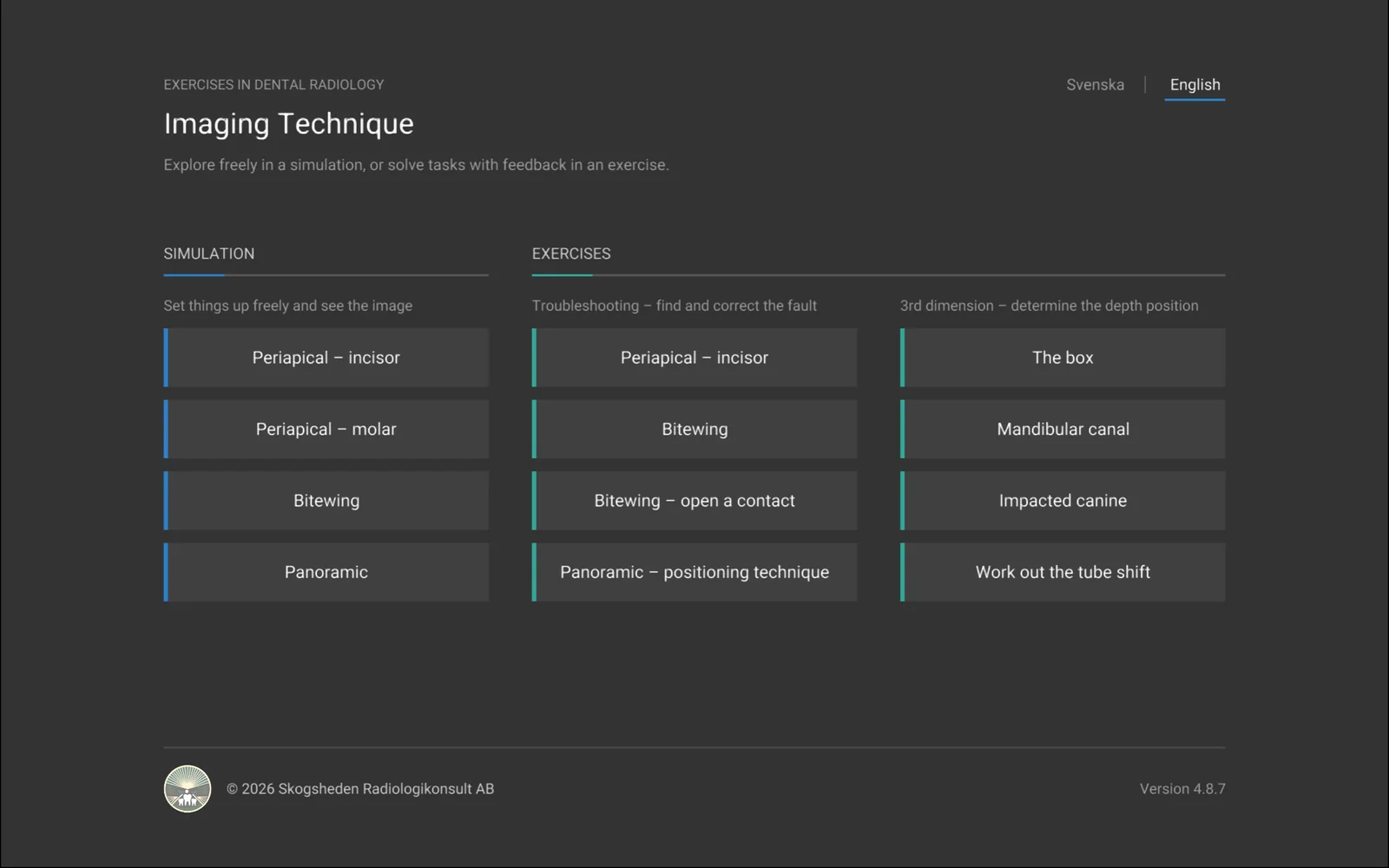
-
Tolv övningarTwelve exercises
Fyra simuleringar att utforska fritt och åtta övningar med rättning. Four simulations to explore freely and eight exercises with feedback.
-
I webbläsarenIn the browser
Inget att installera. Fungerar på dator och surfplatta, på svenska och engelska. Nothing to install. Works on computers and tablets, in Swedish and English.
-
Hjälp i varje övningHelp in every exercise
En hjälptext förklarar bakgrunden, hur simulatorn fungerar och vad du kan pröva. A help text explains the background, how the simulator works and what to try.
SimuleringSimulation
Ställ in tand, detektor och fokus fritt Set the tooth, detector and focus freely
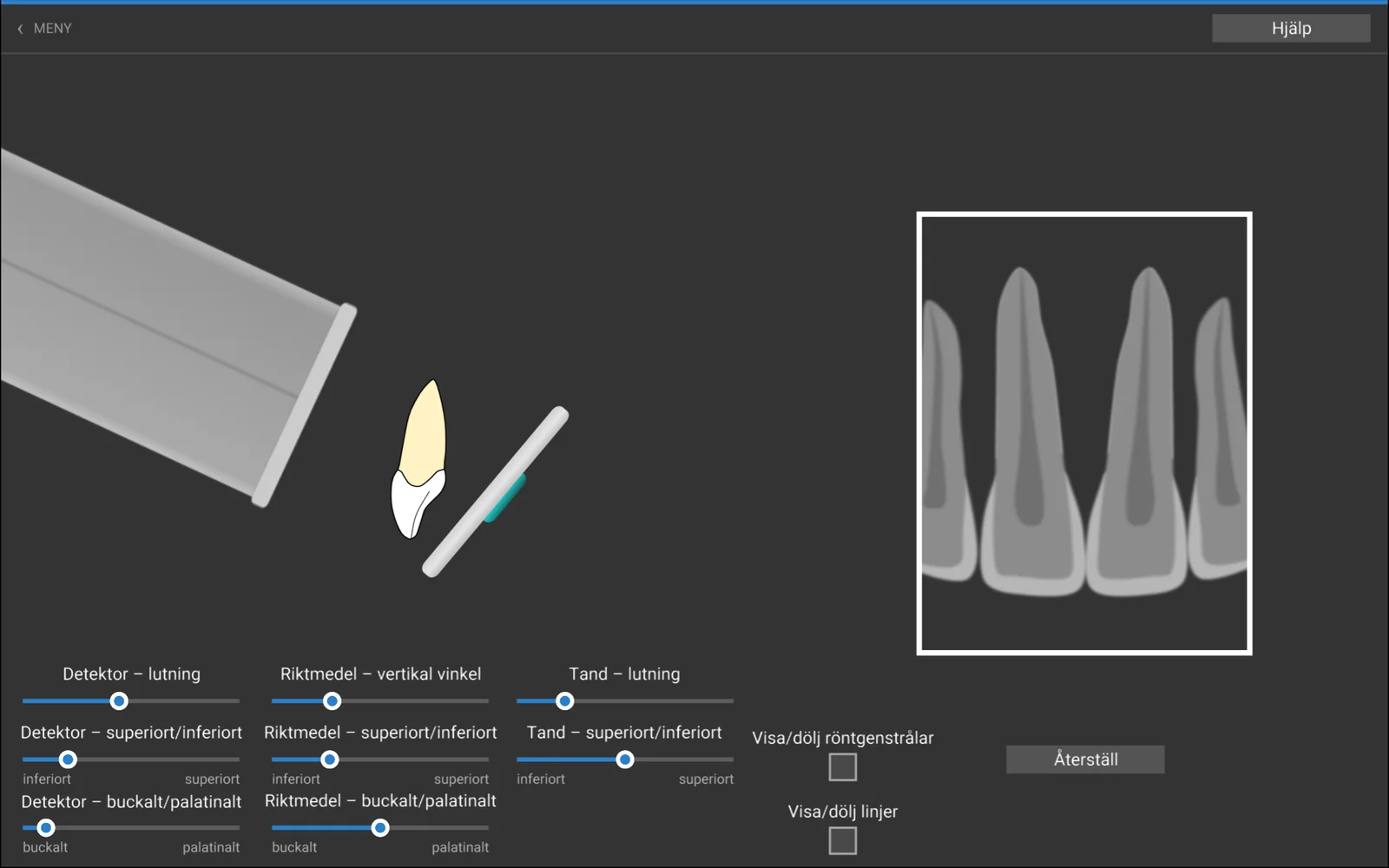
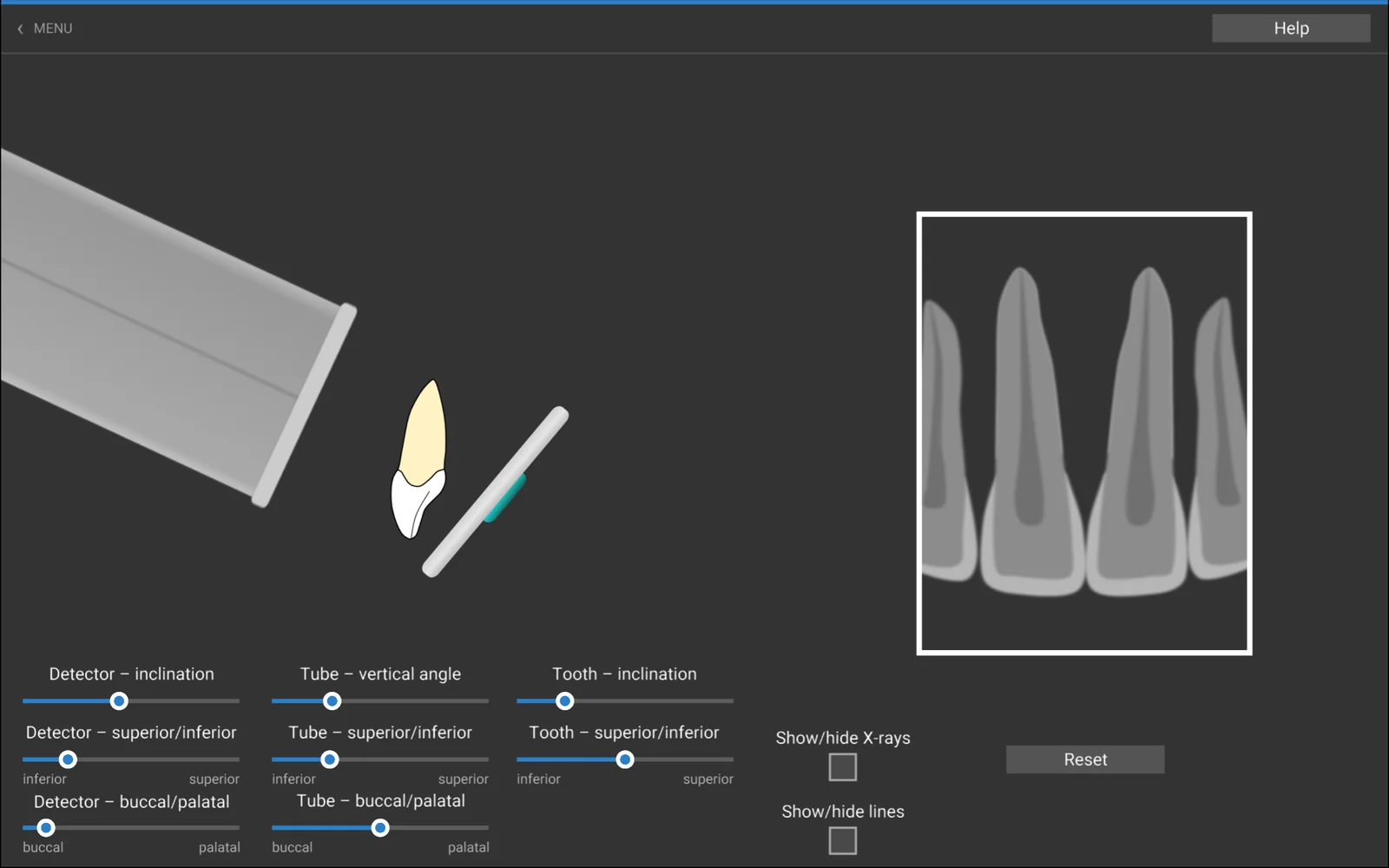
I simuleringarna flyttar och vinklar du tand, detektor och riktmedel med reglage eller med musen. Röntgenbilden ritas om medan du drar, så att du ser vad som händer när detektorn lutar, när den vertikala vinkeln ändras eller när strålarna inte går längs kontaktytorna. In the simulations you move and angle the tooth, the detector and the tube with sliders or with the mouse. The radiograph is redrawn as you drag, so you can see what happens when the detector is inclined, when the vertical angle changes or when the rays do not run along the contact surfaces.
Röntgenstrålarna kan visas i uppställningen, och Återställ tar dig tillbaka till utgångsläget. Med musen drar du detektorn eller tanden med höger knapp och vrider den med vänster. The X-rays can be shown in the set-up, and Reset takes you back to the starting position. With the mouse you drag the detector or the tooth with the right button and turn it with the left.
- Apikalbild – incisivPeriapical – incisor
- Apikalbild – molarPeriapical – molar
- BitewingBitewing
- PanoramabildPanoramic
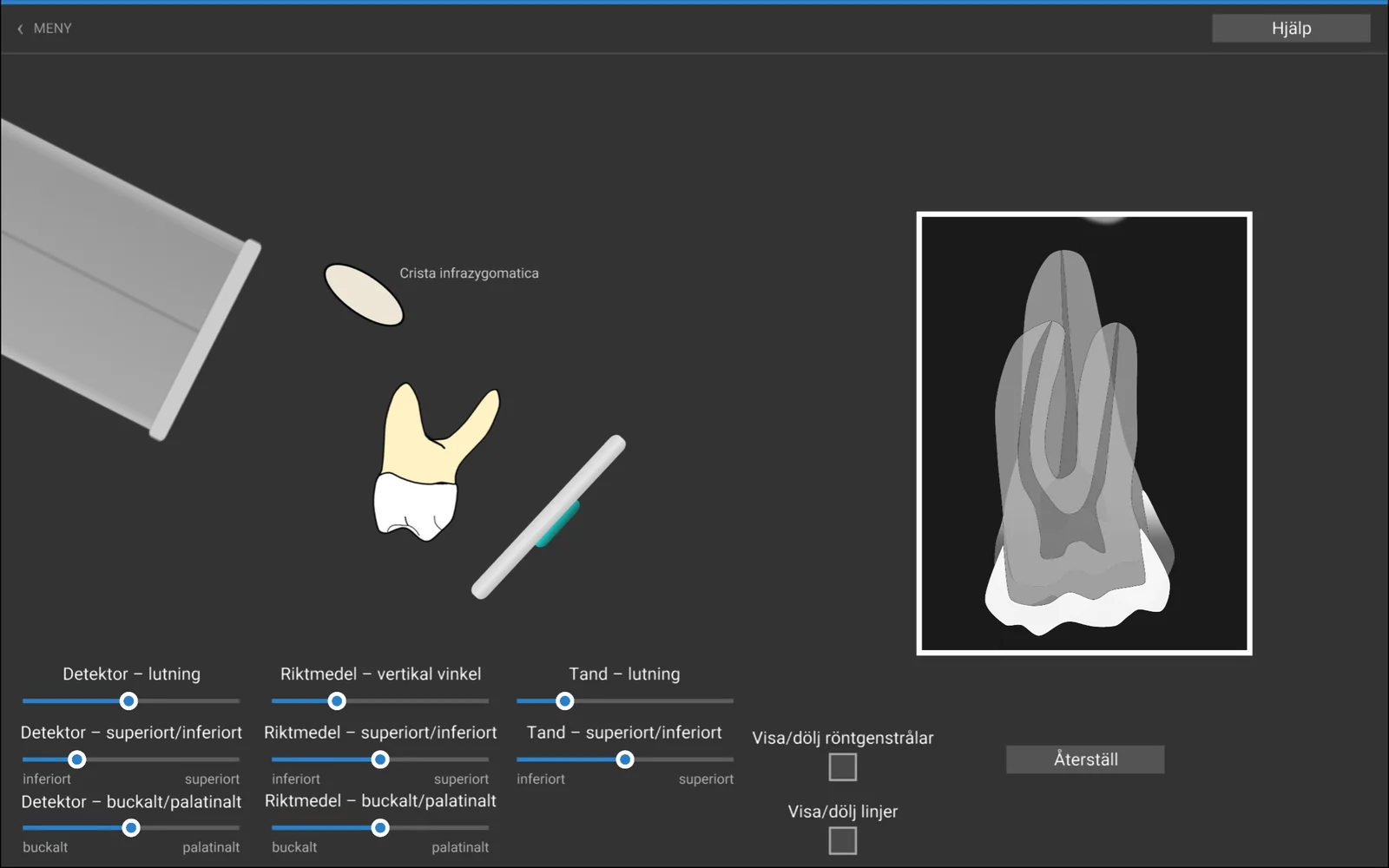
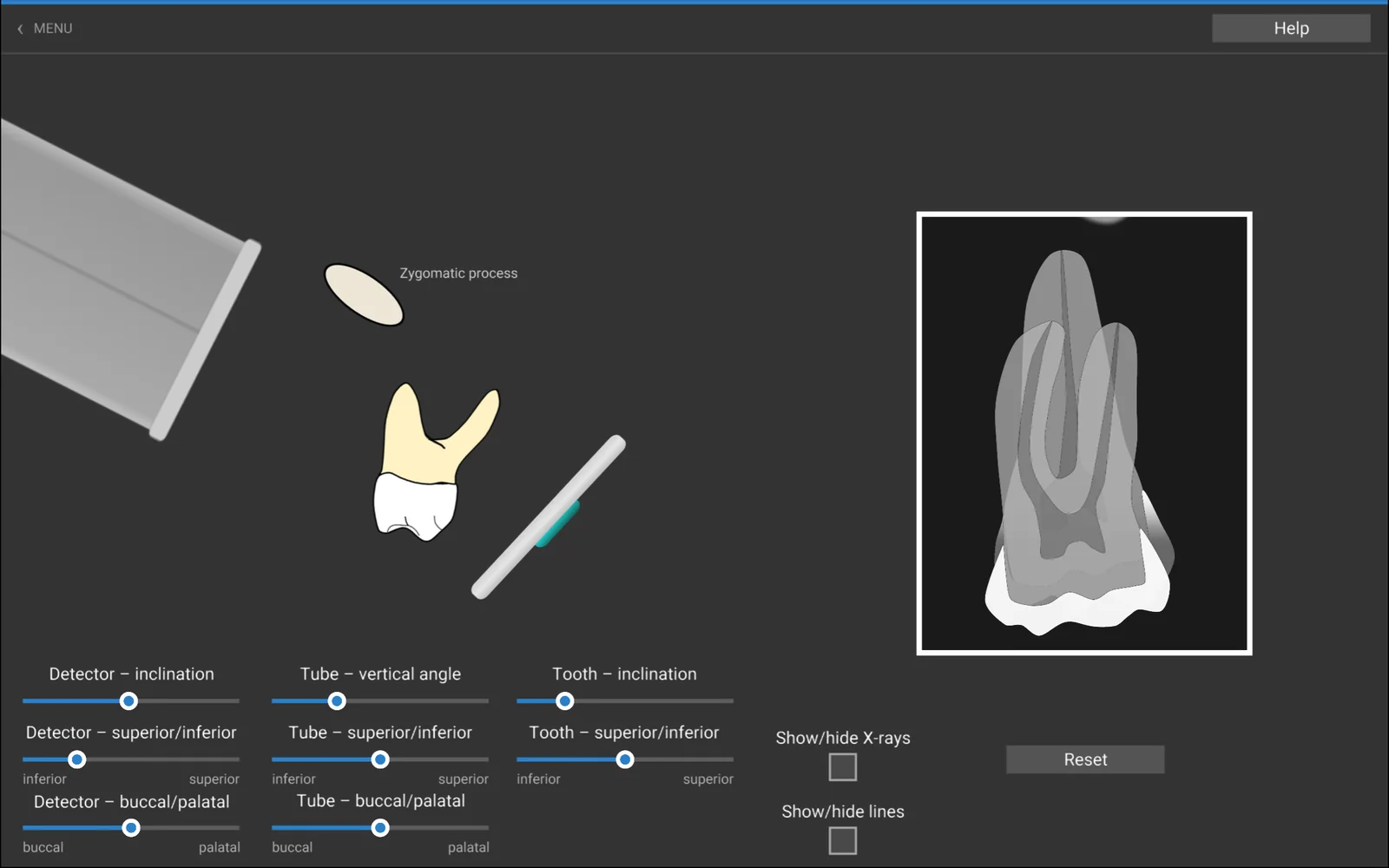
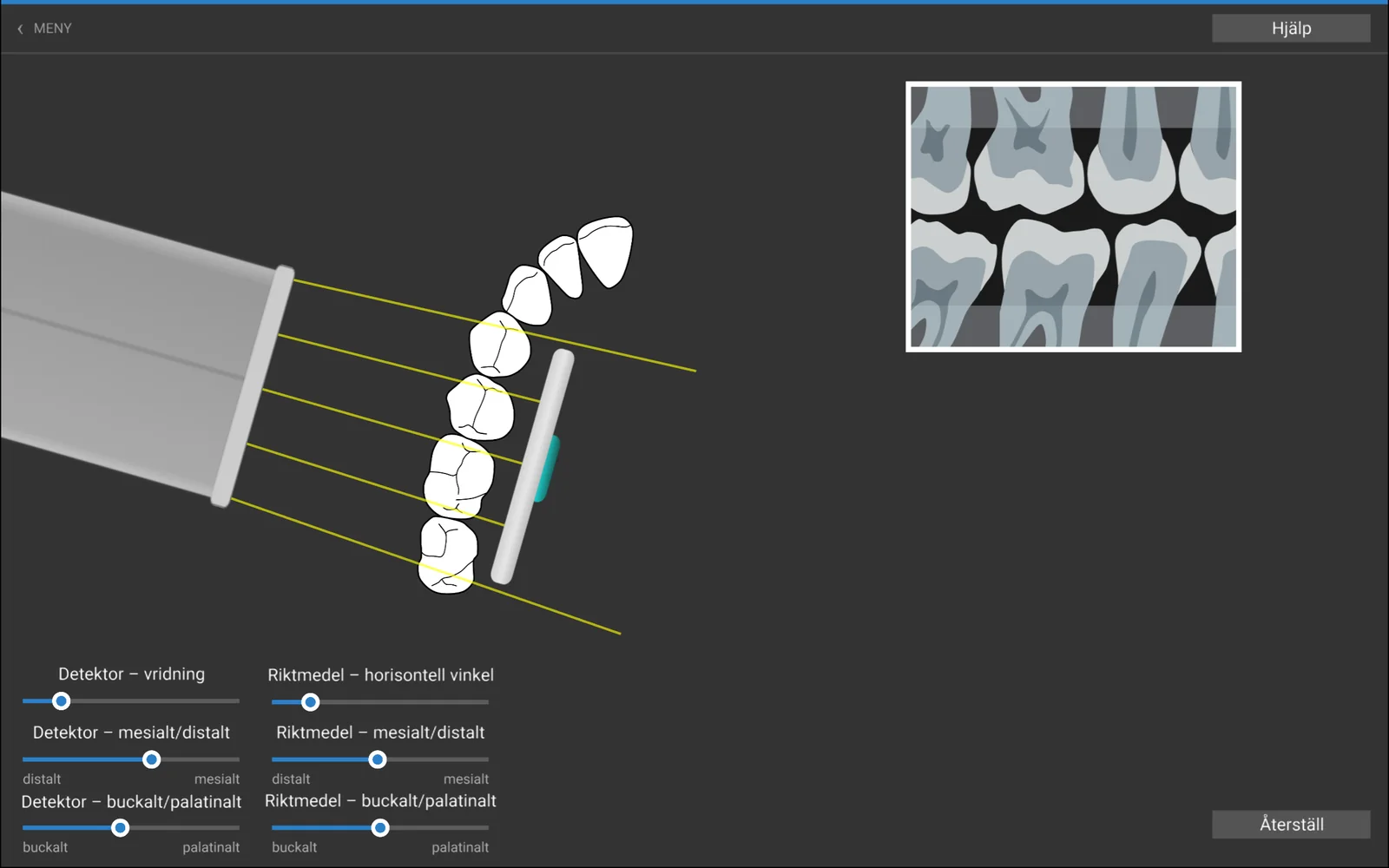
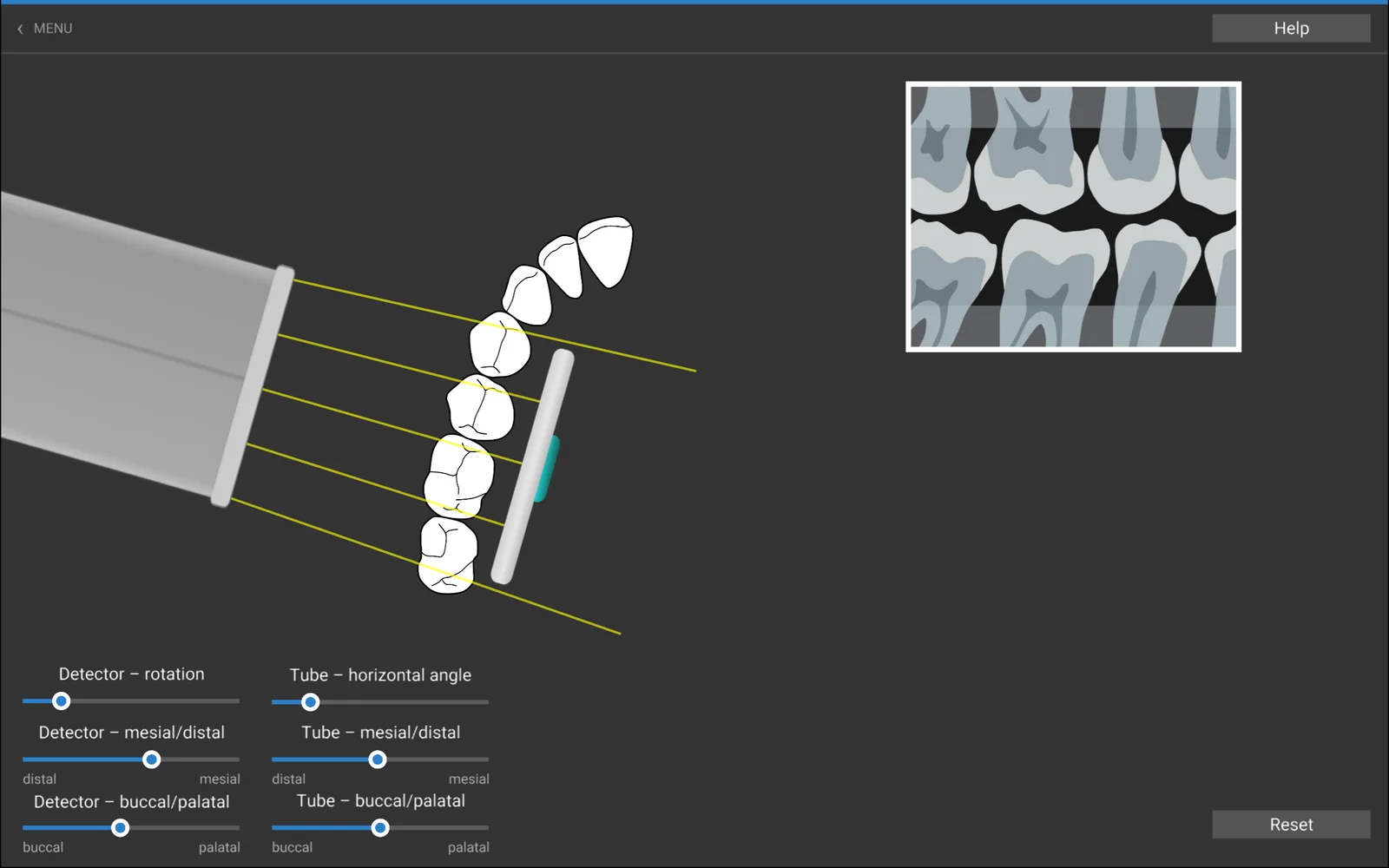
Övning · FelsökningExercise · Troubleshooting
Hitta felet och rätta det Find the fault and correct it
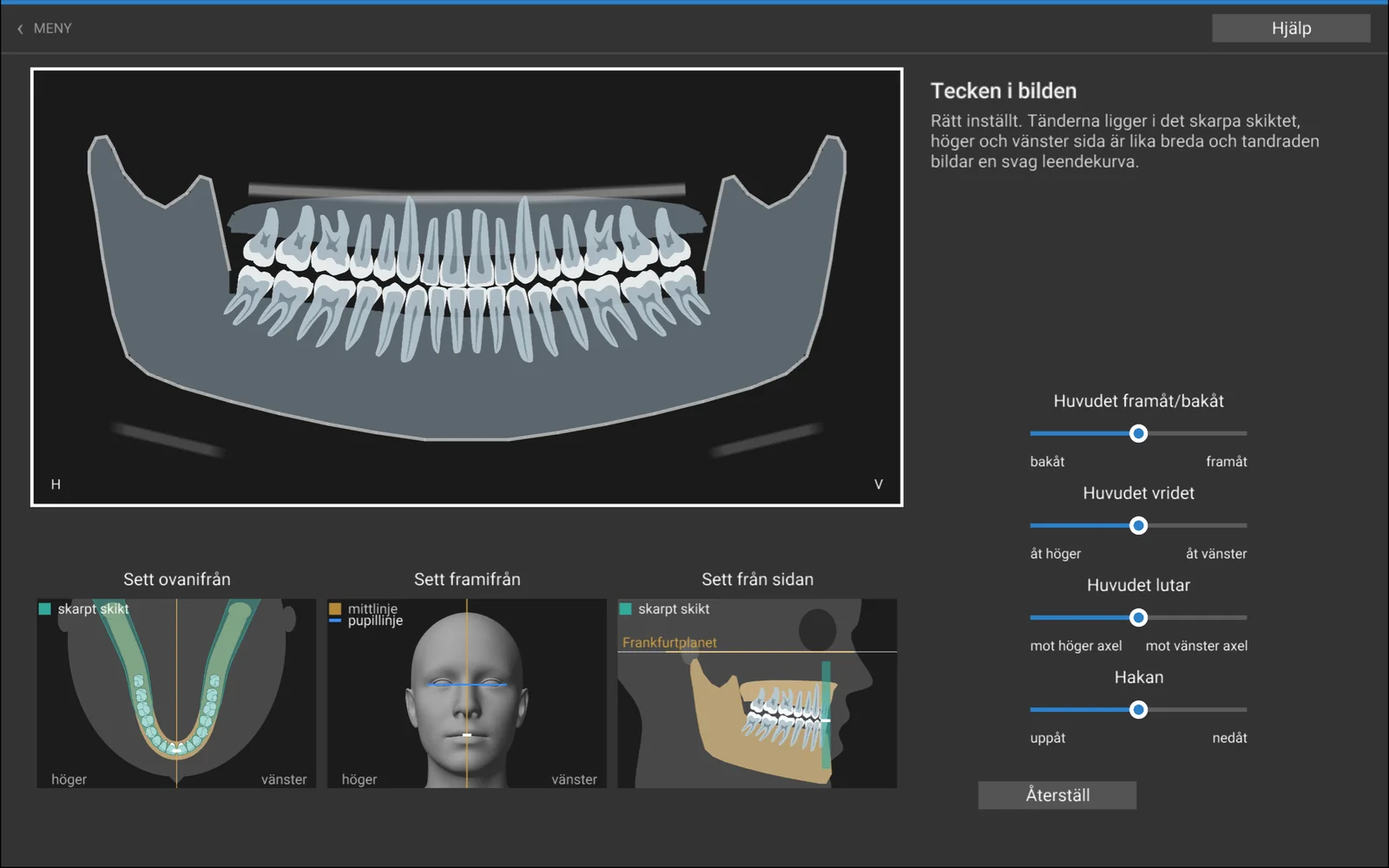
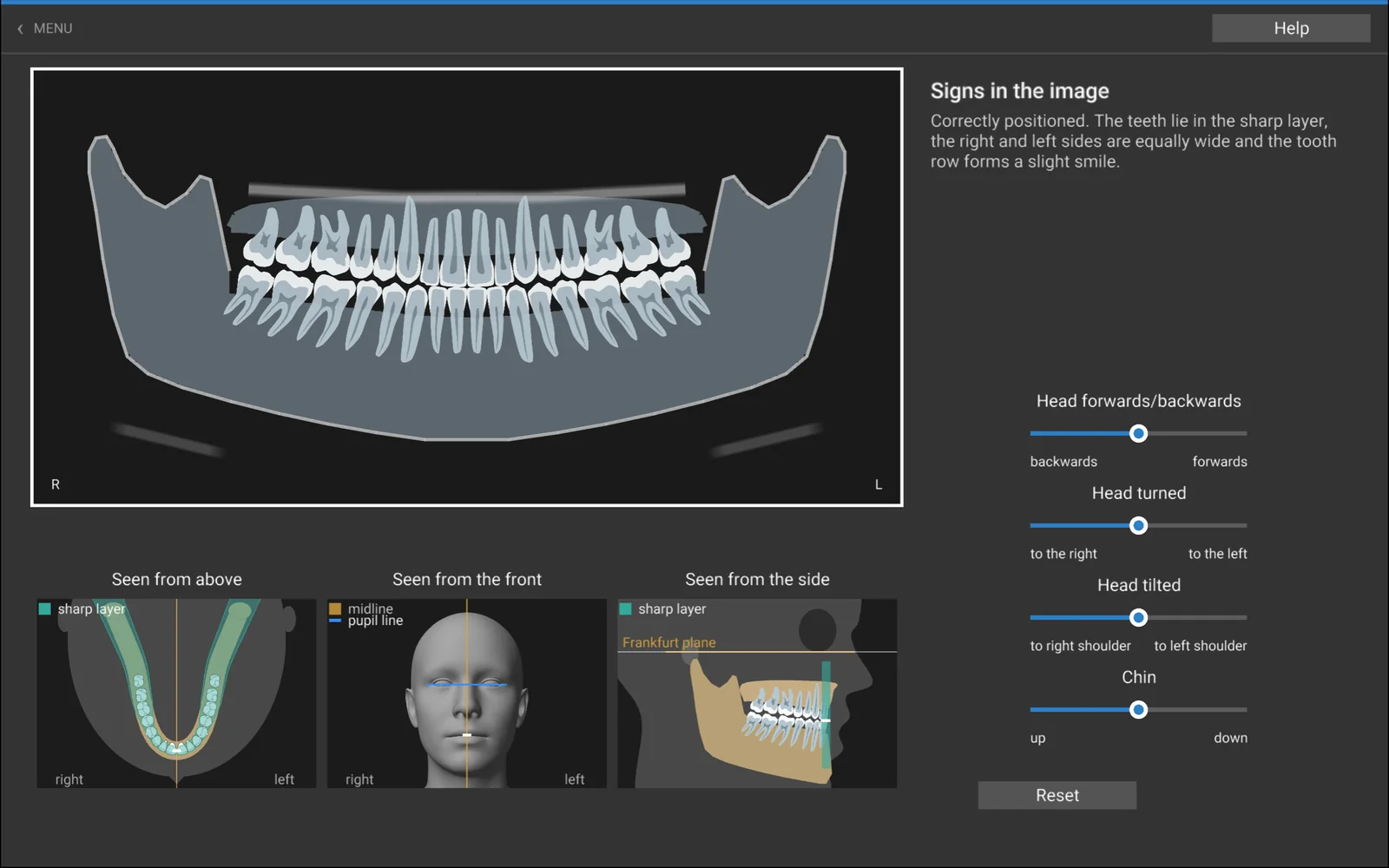
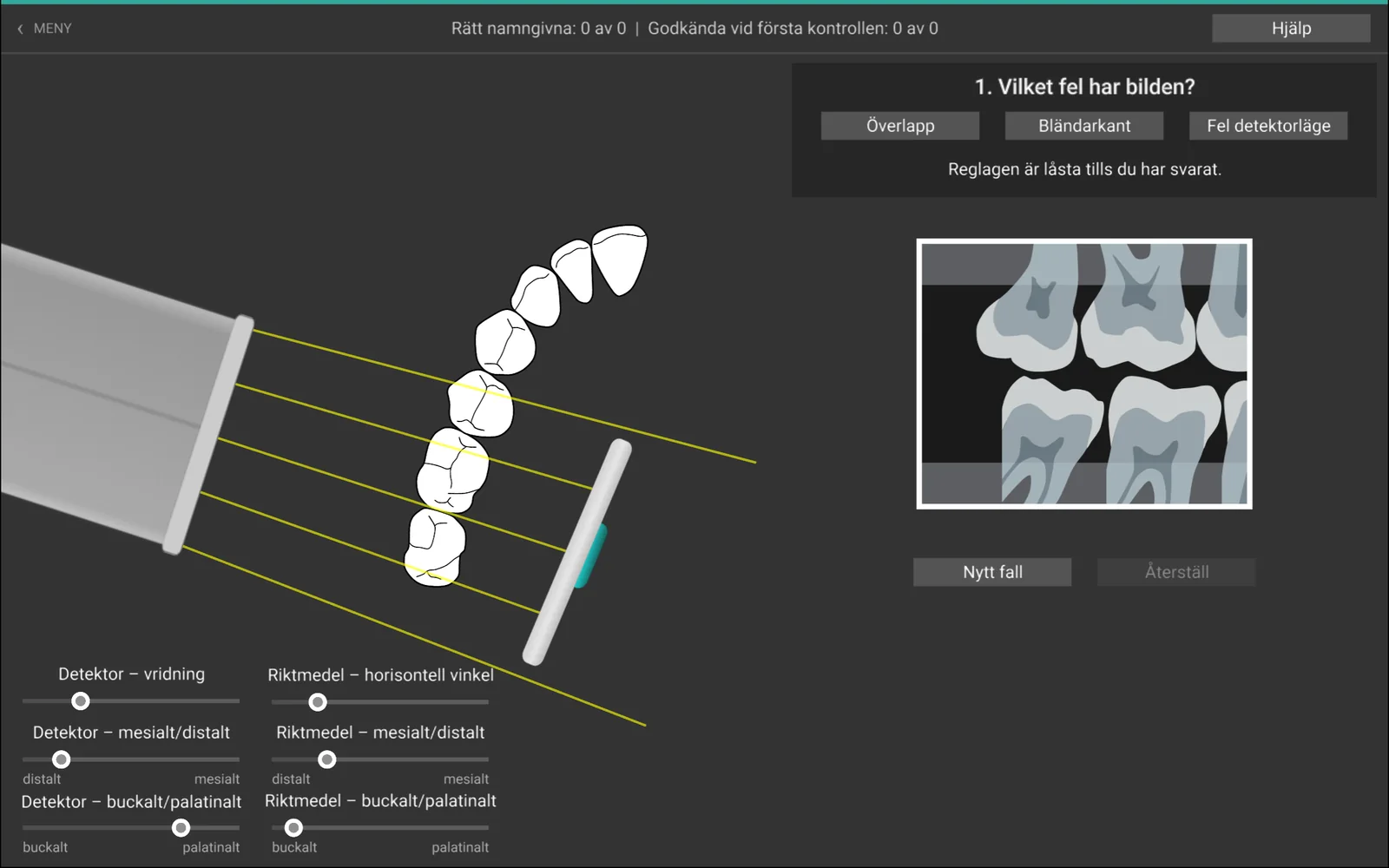
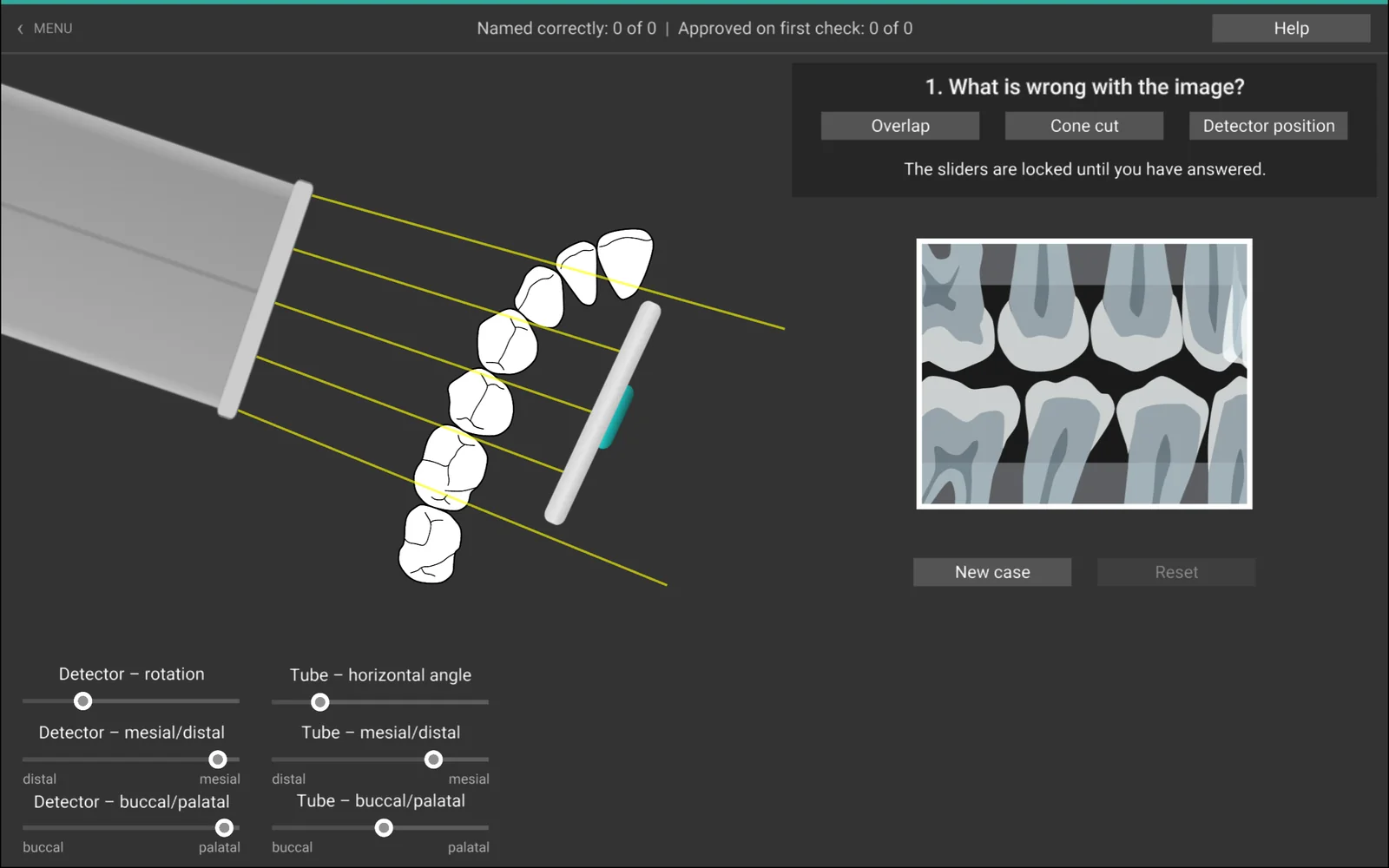
Du får en röntgenbild som har blivit fel. Först avgör du vad som är fel: förkortad, förlängd, bländarkant eller utanför detektorn i apikalbilden – överlapp, bländarkant eller fel detektorläge i bitewingbilden. You are given a radiograph that has gone wrong. First you decide what is wrong: foreshortened, elongated, cone cut or off the detector in the periapical image – overlap, cone cut or a wrong detector position in the bitewing.
Sedan rättar du inställningen med reglagen tills bilden blir godkänd. Programmet räknar hur många fel du har namngett rätt och hur många bilder som godkändes vid första kontrollen. Then you correct the setting with the sliders until the image is approved. The program counts how many faults you named correctly and how many images were approved on the first check.
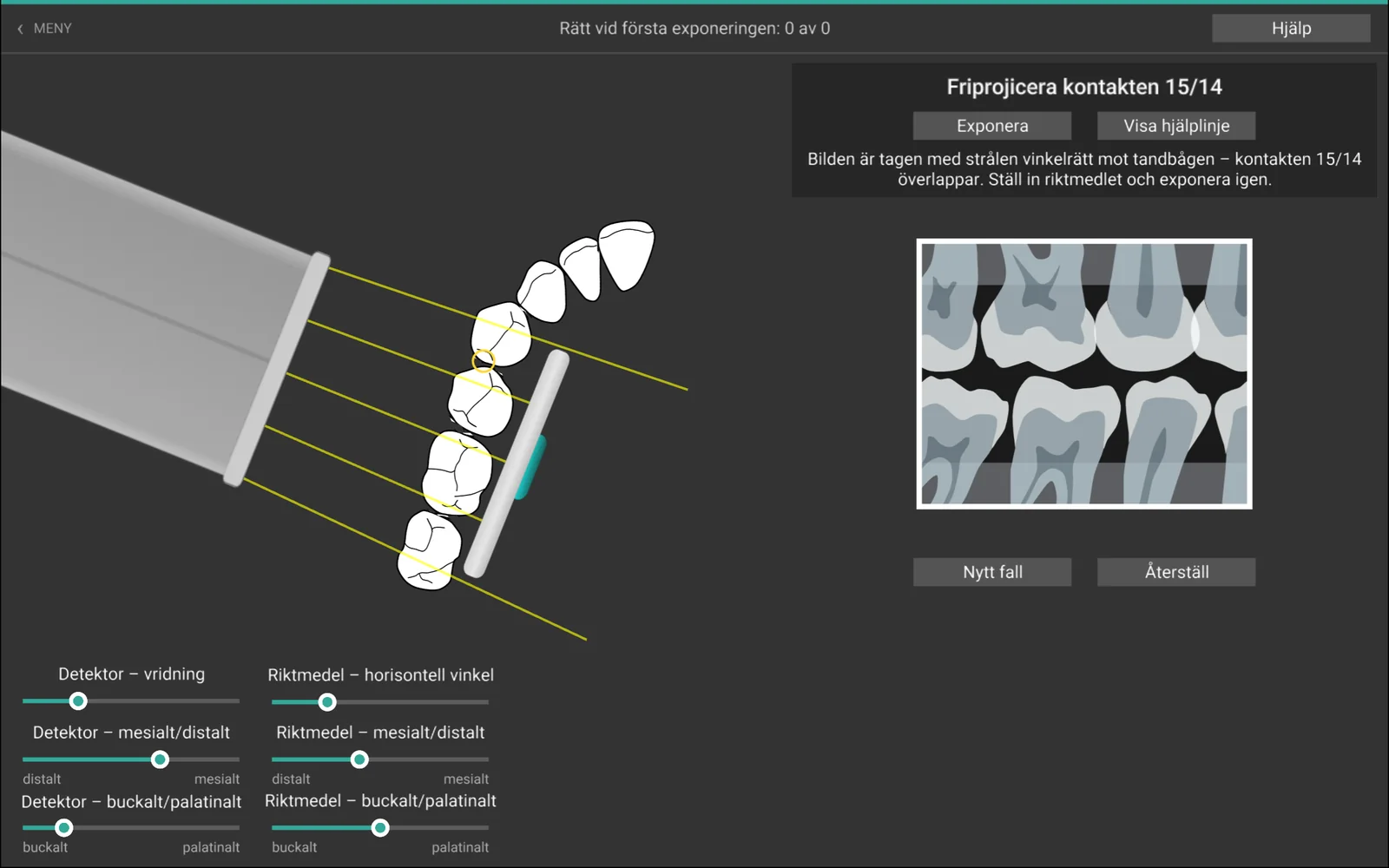
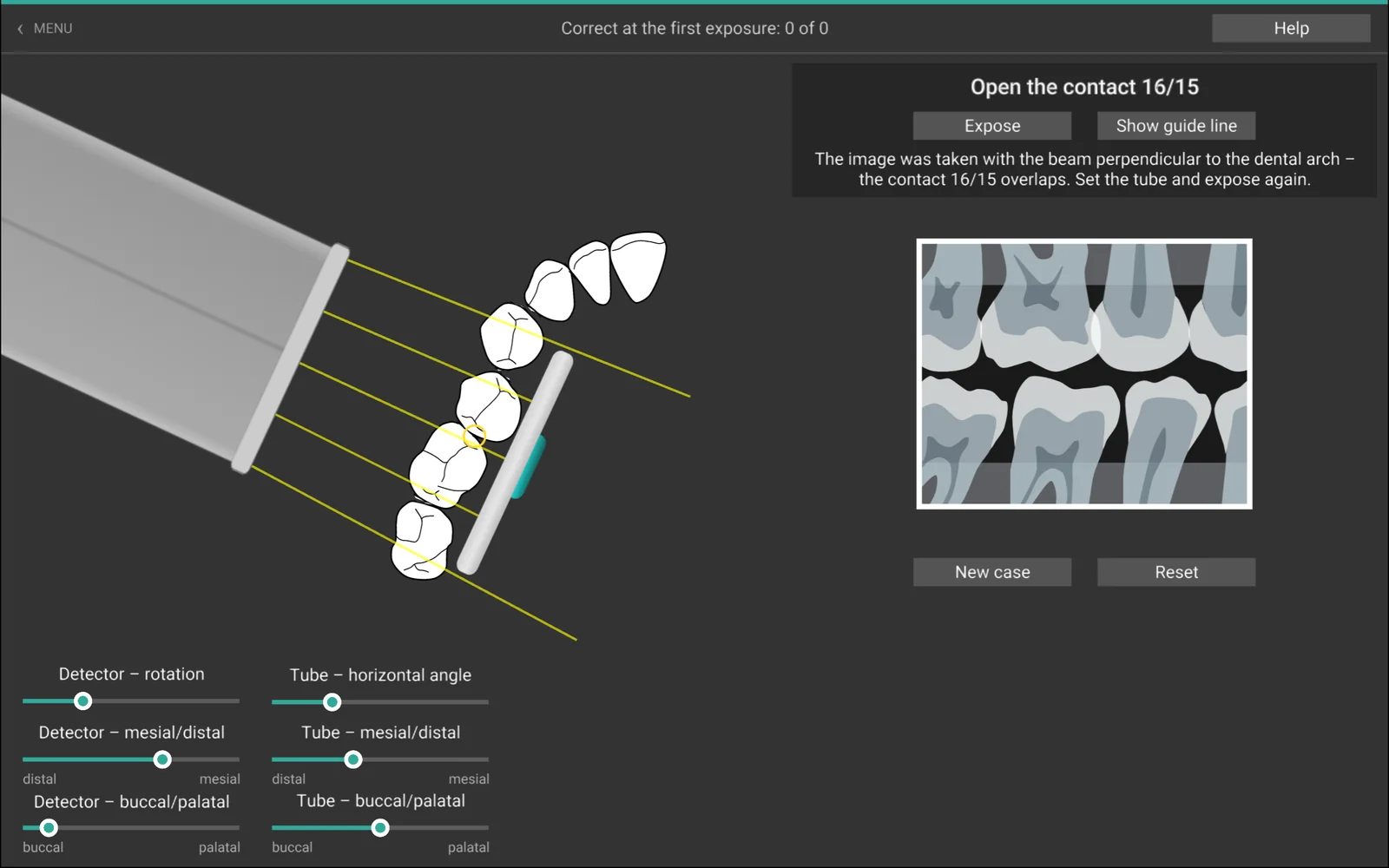
I Bitewing – friprojicera står tänderna inte i en perfekt rad. Uppgiften är att friprojicera en bestämd kontakt, till exempel 15/14, genom att rikta strålarna längs kontaktytorna. Hjälplinjer visar kontaktytornas riktning och riktningen vinkelrätt mot bågen. In Bitewing – open a contact the teeth do not stand in a perfect row. The task is to open a given contact, for example 15/14, by directing the rays along the contact surfaces. Guide lines show the direction of the contact surfaces and the direction at right angles to the arch.
- Apikalbild – incisivPeriapical – incisor
- BitewingBitewing
- Bitewing – friprojiceraBitewing – open a contact
- Panorama – inställningsteknikPanoramic – positioning technique
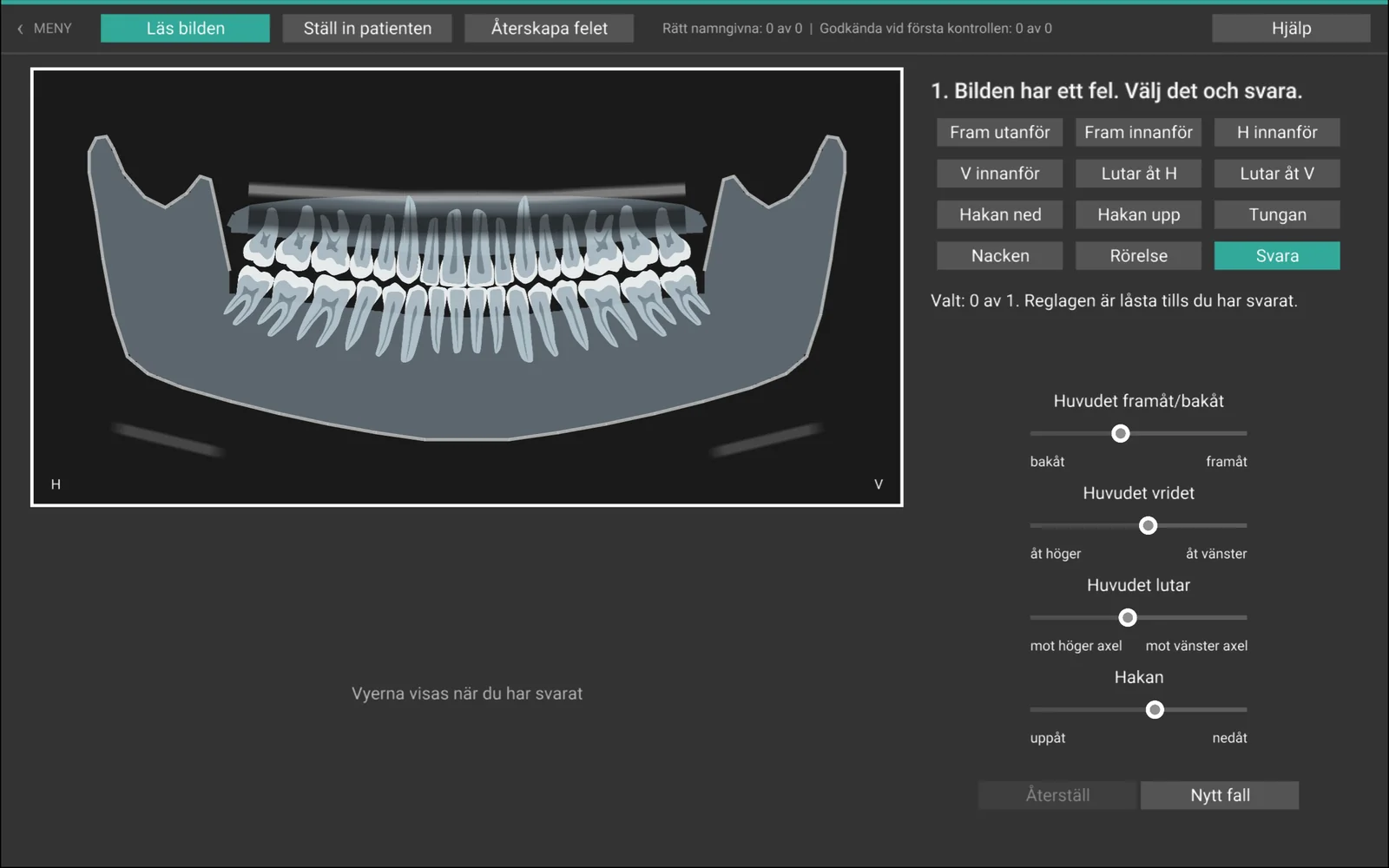
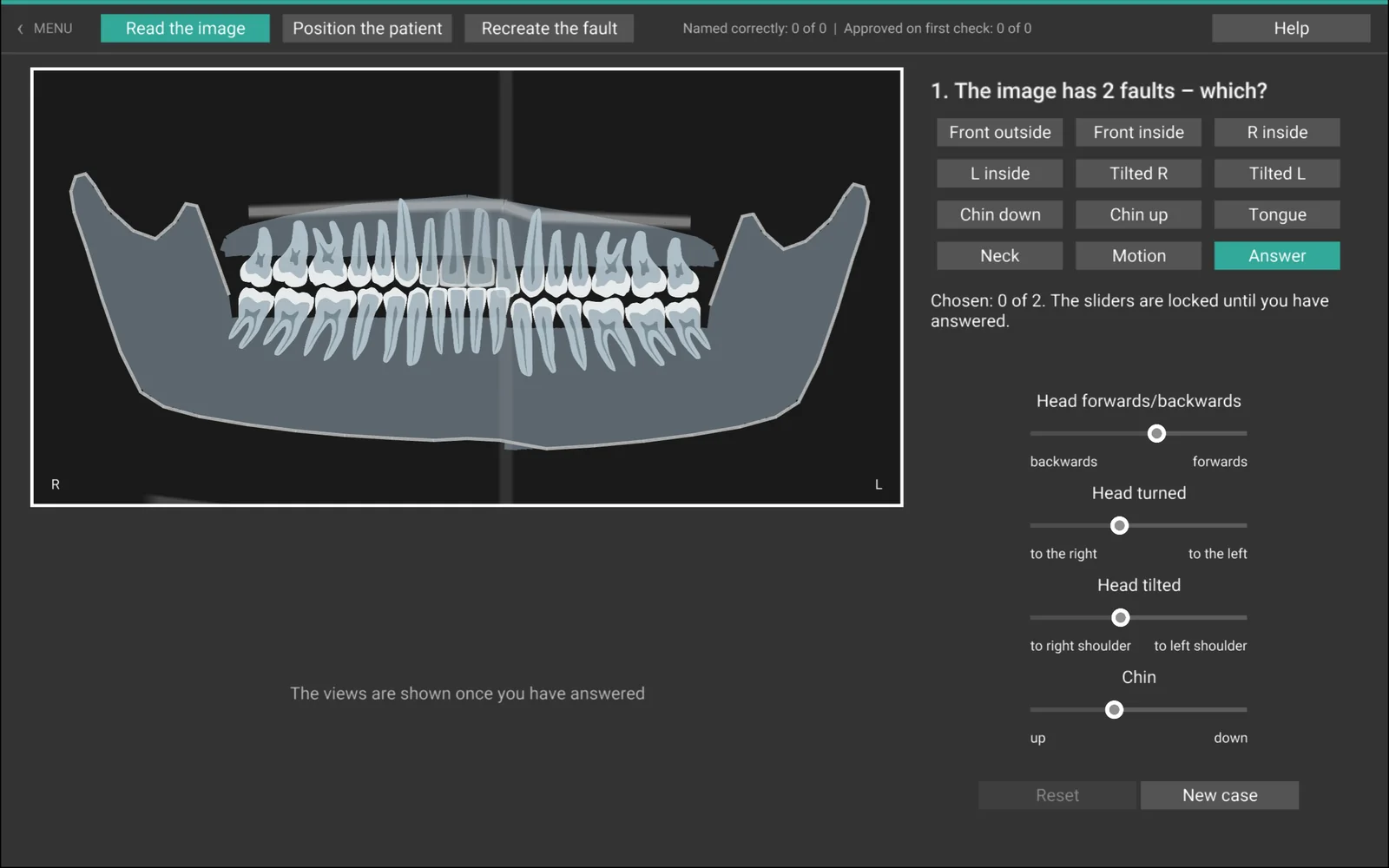
Simulering och övning · PanoramabildSimulation and exercise · Panoramic
Patientens läge och det skarpa skiktet The patient's position and the focal trough
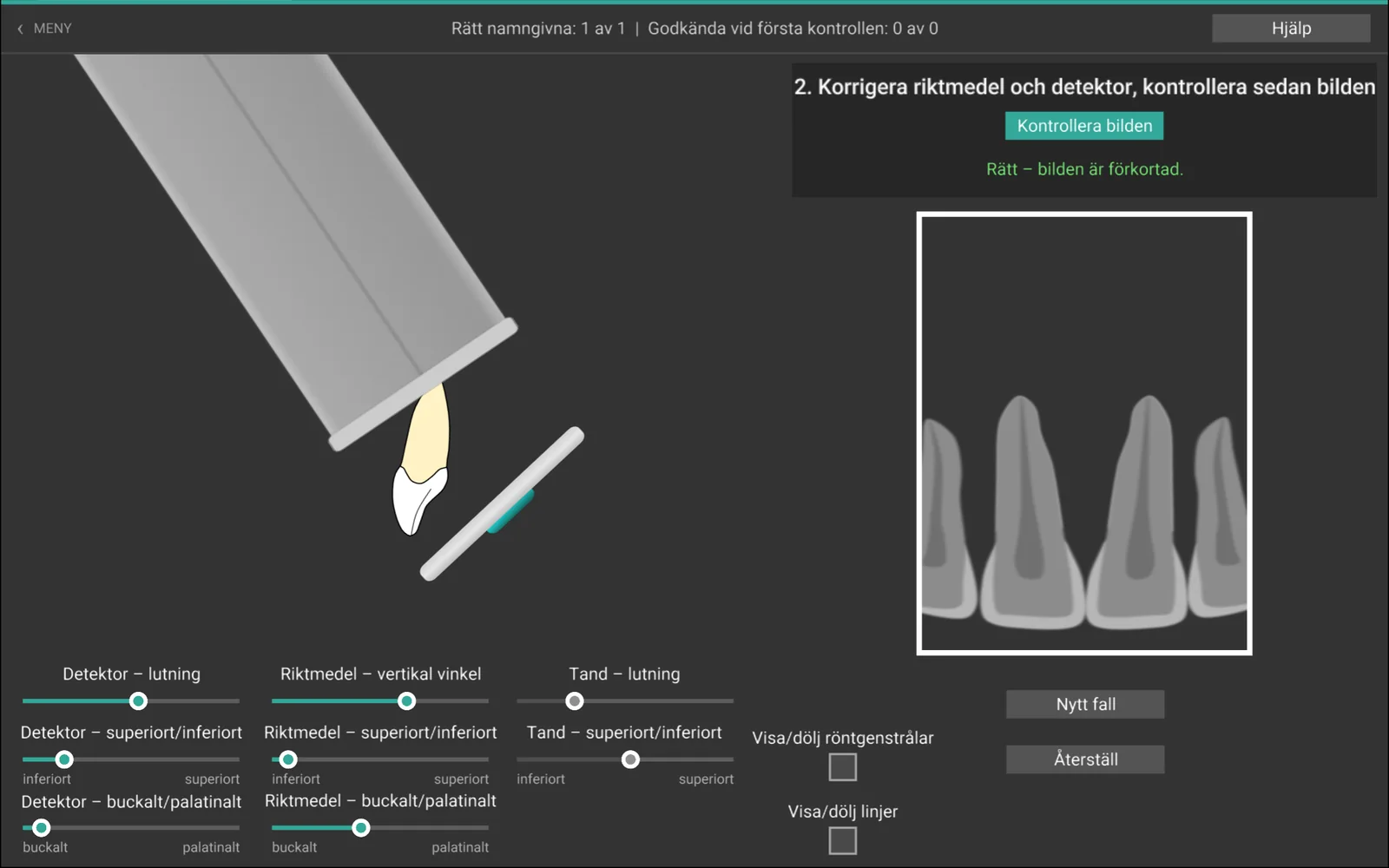
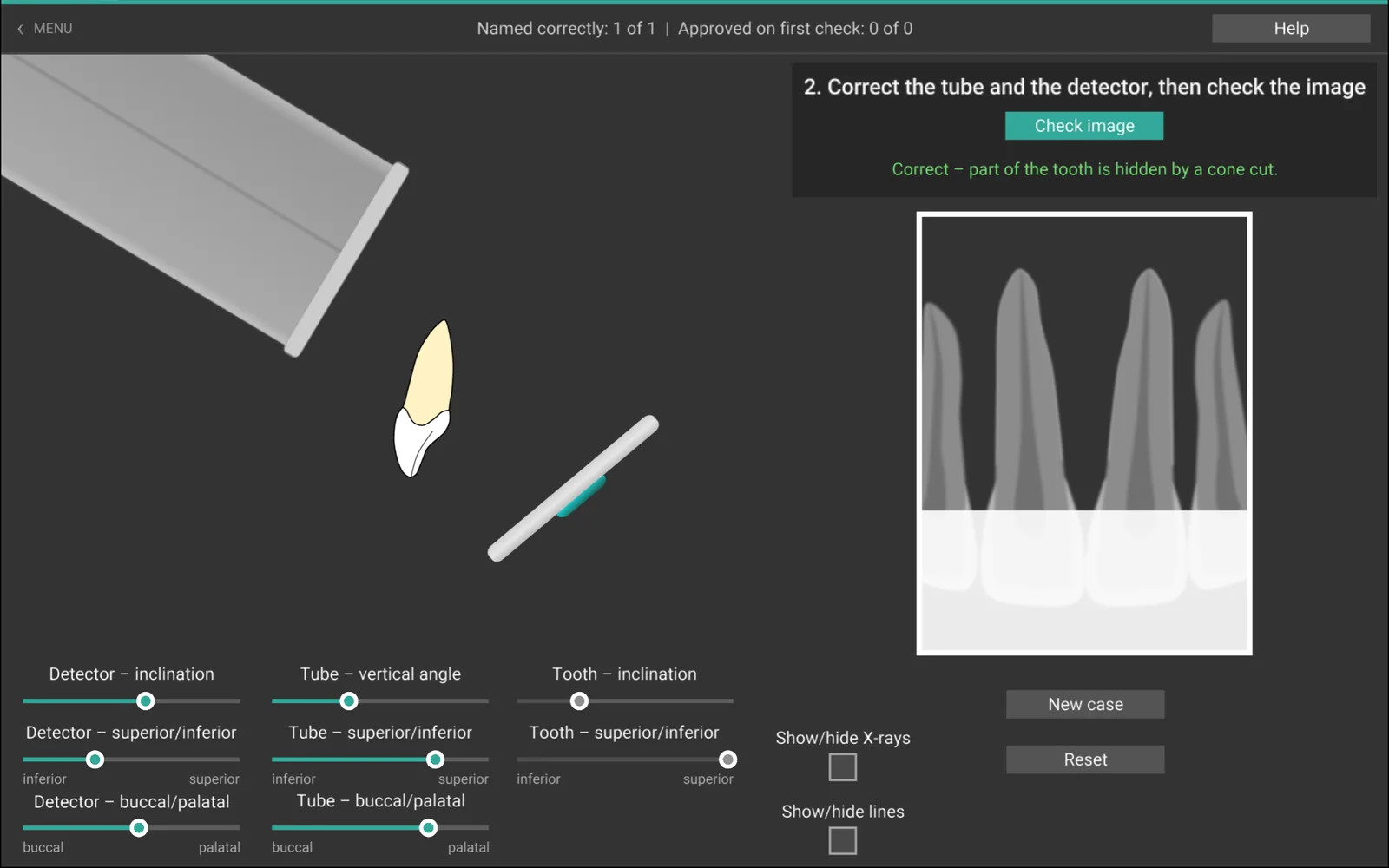
I Panoramabild ställer du in patientens huvud: framåt eller bakåt, vridet, lutat och med hakan uppåt eller nedåt. Bilden visar vad som händer när tänderna hamnar framför eller bakom det skarpa skiktet – breda eller smala framtänder, olika breda sidor och en leendekurva som ändras. Huvudet syns framifrån i 3D och dessutom ovanifrån och från sidan. In Panoramic you set the patient's head: forward or back, turned, tilted and with the chin up or down. The image shows what happens when the teeth end up in front of or behind the focal trough – wide or narrow front teeth, sides of different width and a changing smile line. The head is shown from the front in 3D, and also from above and from the side.
I Panorama – inställningsteknik finns tre uppgifter: läs bilden och avgör vilka lägesfel den har, ställ in en patient och exponera, eller återskapa felet i en given bild. Tungans läge, nacken och rörelse under exponeringen ingår också. Panoramic – positioning technique has three tasks: read the image and decide which positioning faults it has, position a patient and expose, or recreate the fault in a given image. The position of the tongue, the neck and movement during the exposure are also included.
- PanoramabildPanoramic
- Panorama – inställningsteknikPanoramic – positioning technique
Övning · 3:e dimensionenExercise · 3rd dimension
Avgör läget i djupled Determine the depth position
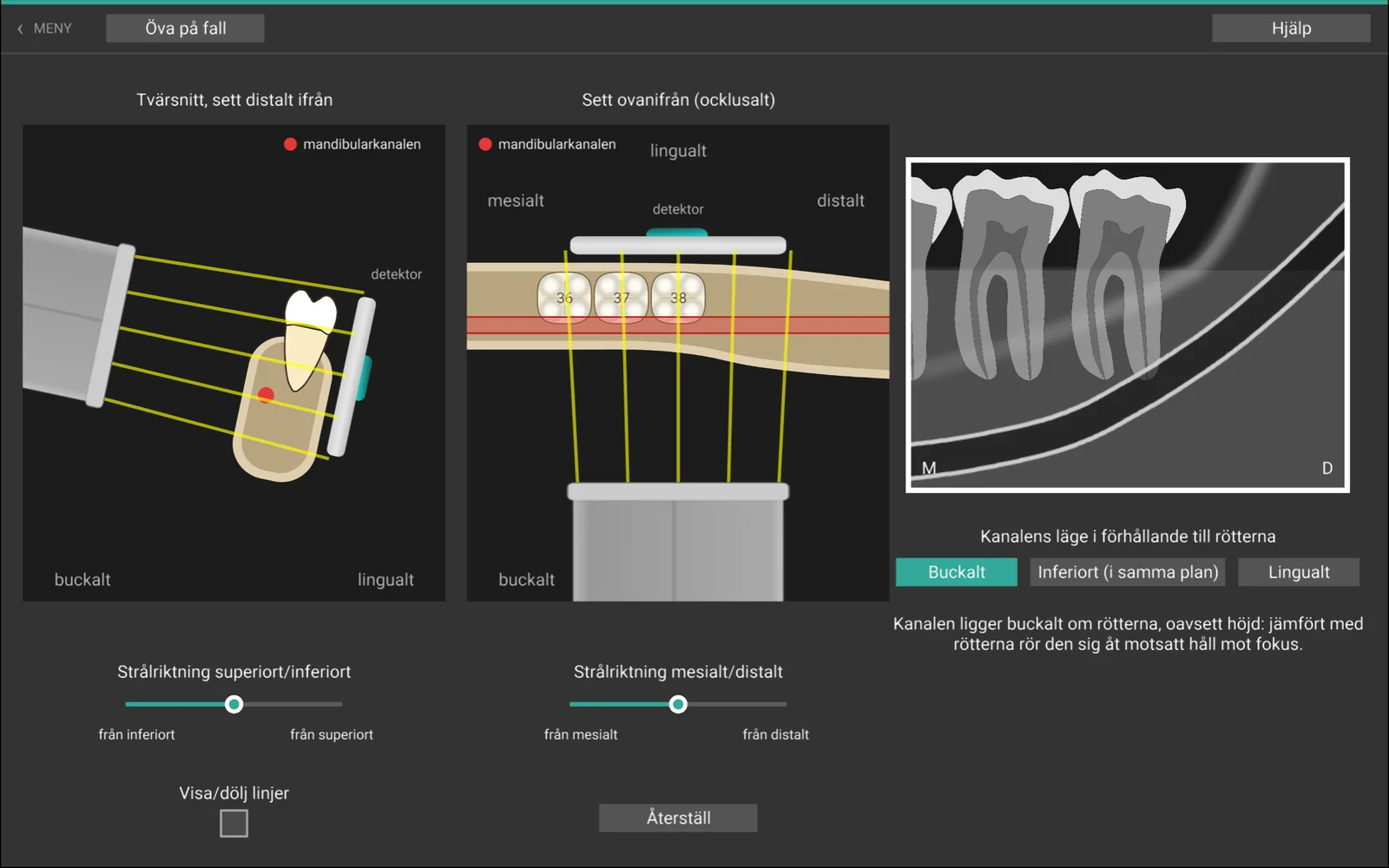
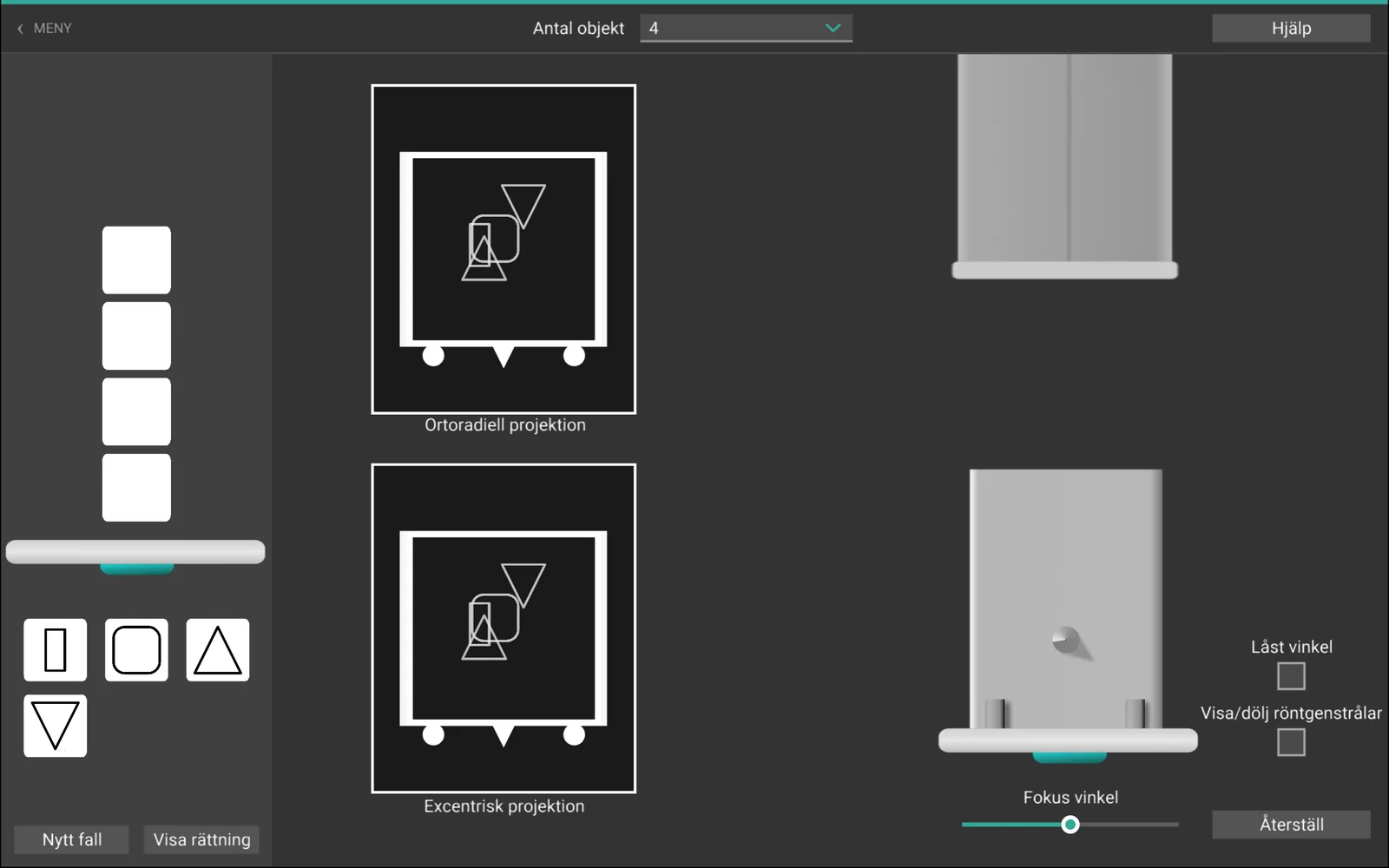
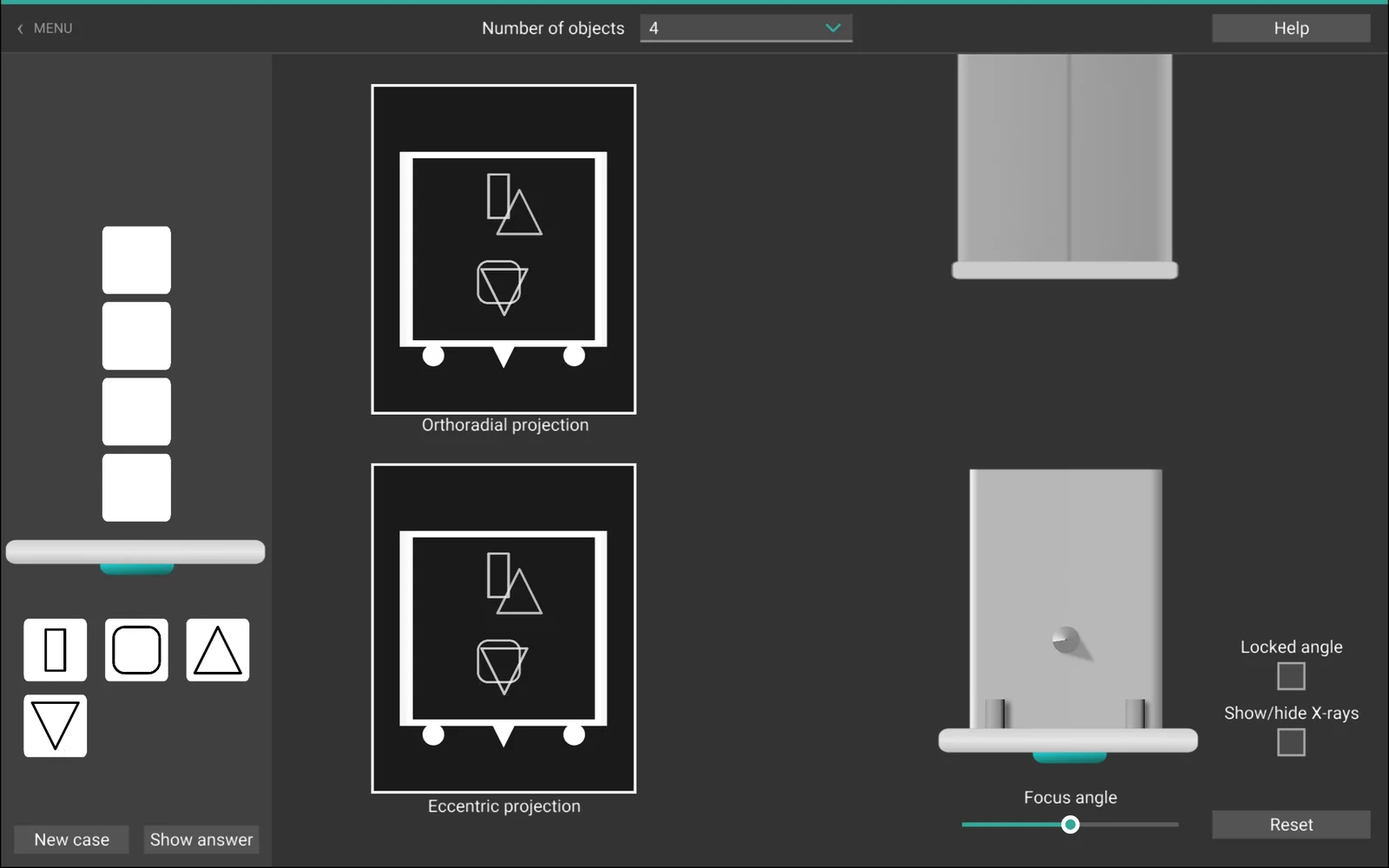
Med parallaxmetoden avgör du vad som ligger närmast detektorn genom att jämföra bilder tagna med olika strålriktning. I Boxen tränar du principen på enkla föremål, med en ortoradiell och en excentrisk projektion. With the parallax method you determine what lies closest to the detector by comparing images taken with different beam directions. In The box you practise the principle on simple objects, with an orthoradial and an eccentric projection.
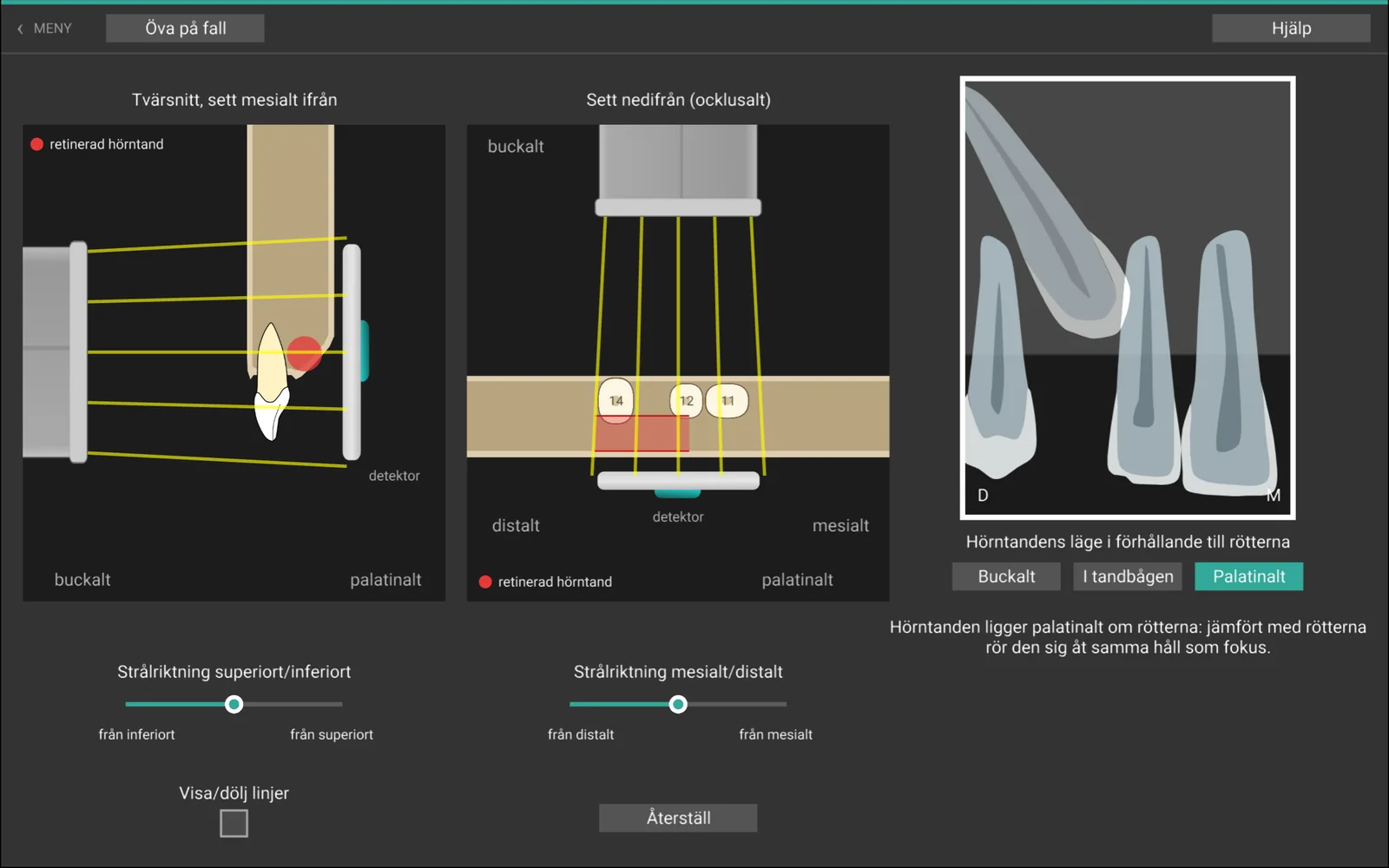
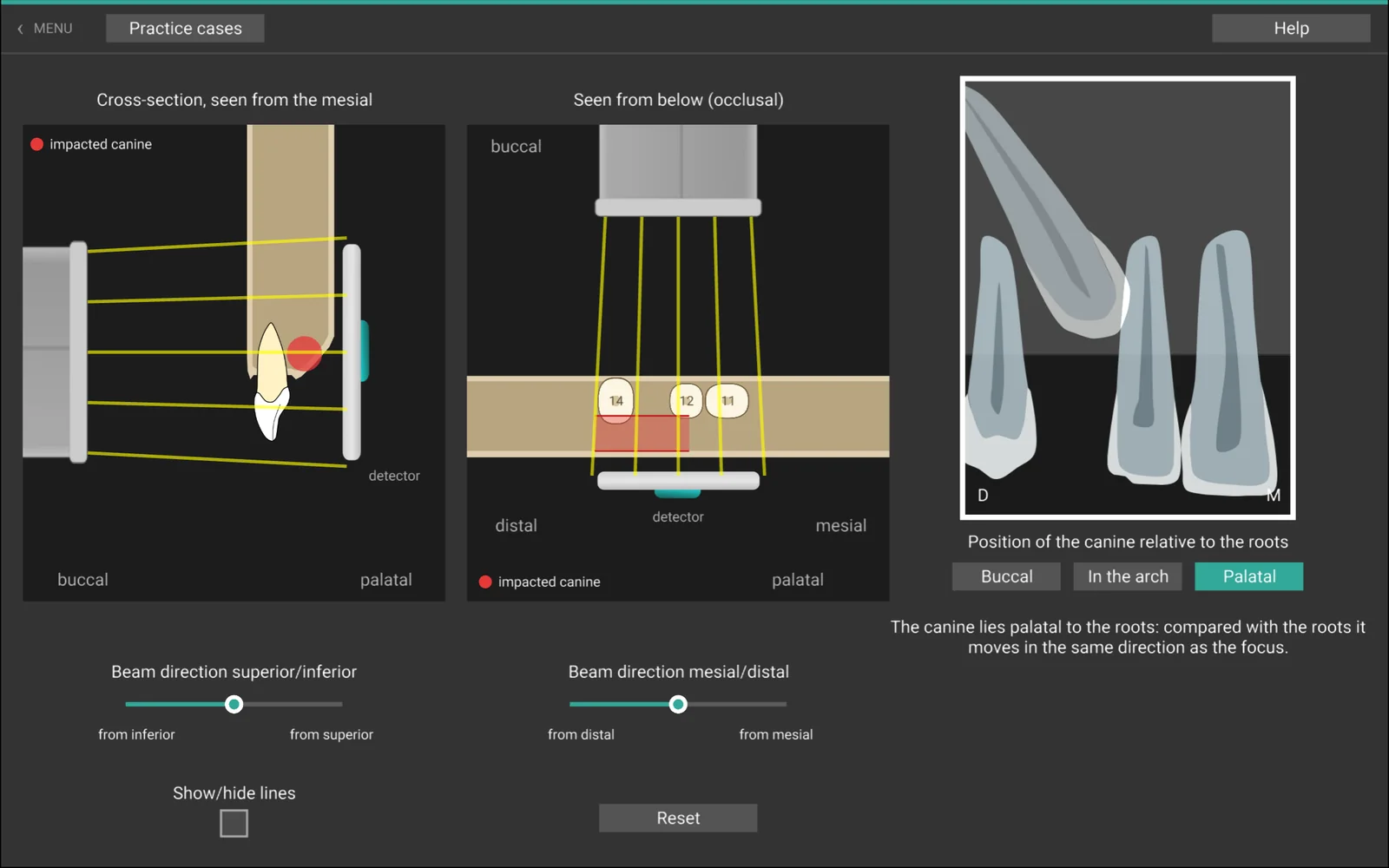
Sedan tillämpar du den på kliniska frågor: ligger mandibularkanalen buckalt eller lingualt om visdomstandens rötter, och ligger en retinerad hörntand buckalt, palatinalt eller i tandbågen? Utforska fritt med läget markerat i två vyer, eller öva på fall där läget är dolt tills du har svarat. Then you apply it to clinical questions: does the mandibular canal lie buccal or lingual to the roots of the third molar, and does an impacted canine lie buccal, palatal or in the arch? Explore freely with the position marked in two views, or practise on cases where the position is hidden until you have answered.
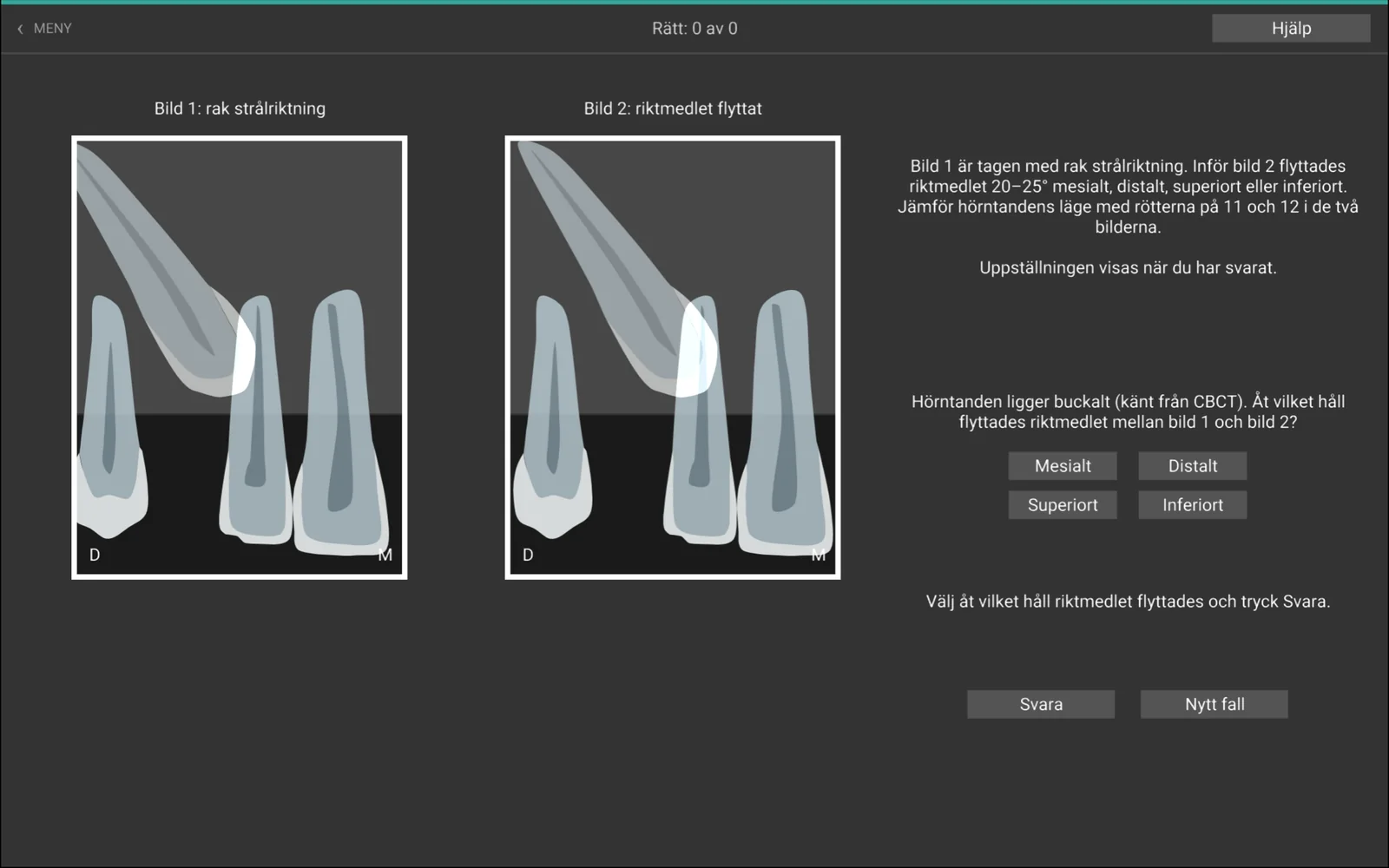
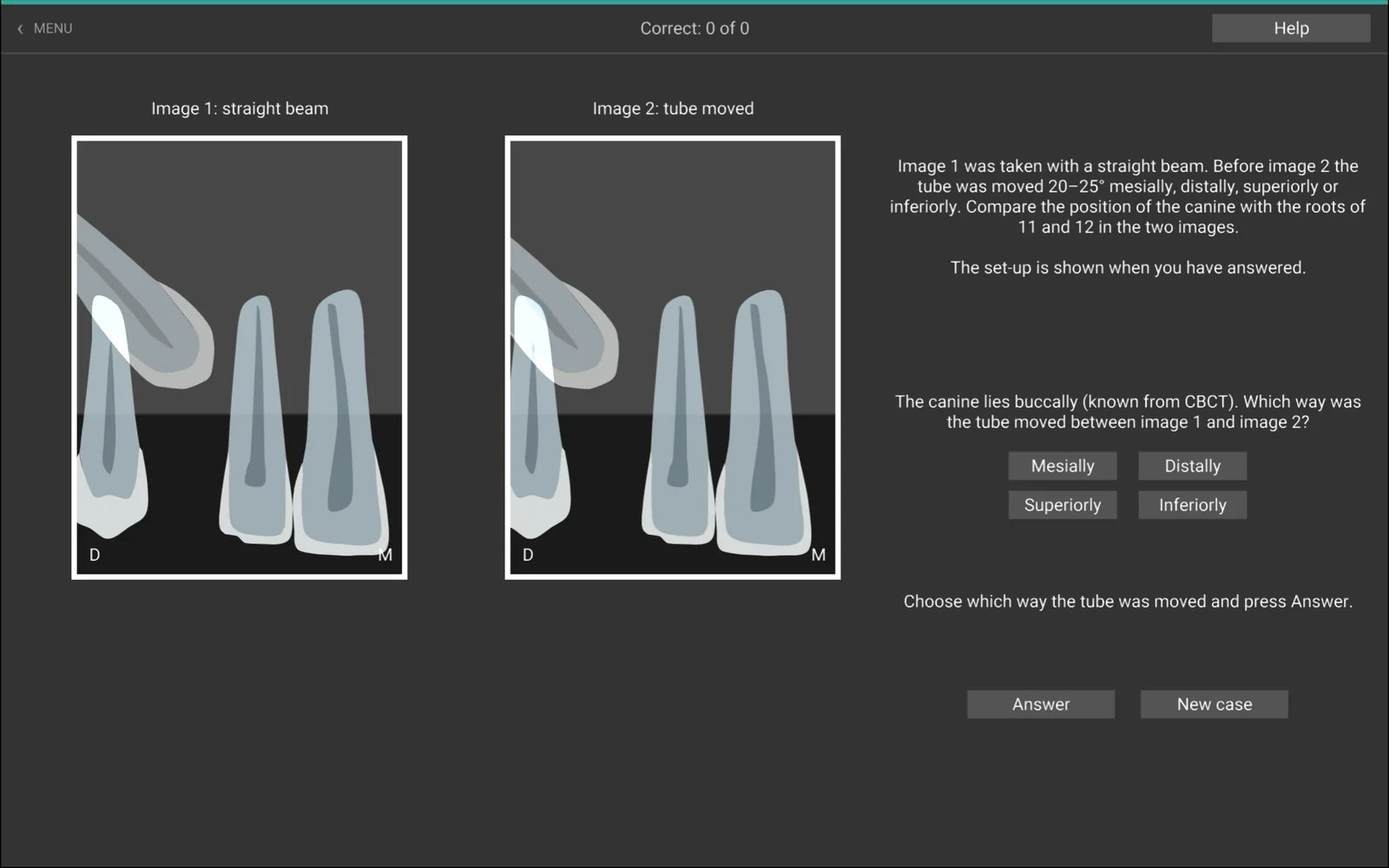
I Avgör rörförflyttningen är det tvärtom: hörntandens läge är känt, och du avgör åt vilket håll riktmedlet flyttades mellan de två bilderna. In Work out the tube shift it is the other way round: the position of the canine is known, and you decide in which direction the tube was moved between the two images.
- BoxenThe box
- MandibularkanalenMandibular canal
- Retinerad hörntandImpacted canine
- Avgör rörförflyttningenWork out the tube shift
PrisPrice
Kliniklicens – introduktionspris 199 kr + moms per månad Clinic licence – introductory price SEK 199 + VAT per month
Licensen gäller hela kliniken, per månad eller per år (1 990 kr + moms), för upp till 5 samtidiga användare. Ordinarie pris är 299 kr per månad och 2 990 kr per år + moms – introduktionspriset gäller alla som beställer nu. Skicka en köpförfrågan så får ni klinikkoden och en faktura via e-post. The licence covers the whole clinic, per month or per year (SEK 1,990 + VAT), for up to 5 users at the same time. The regular price is SEK 299 per month and SEK 2,990 per year + VAT – the introductory price applies to everyone who orders now. Send a purchase request and you will get the clinic code and an invoice by e-mail.
Frågor? E-post:Questions? E-mail: [email protected]